I Broke My OS Fourteen Times and Now I Love It

Let me be upfront about something. I have broken my operating system so many times that at a certain point I stopped being upset about it and just started timing myself on how fast I could get back up. I use Arch btw. (you'll get it when you start using it too)
That is the Linux experience in a sentence. And I mean that with full affection.
I have run Ubuntu, Kali, Debian, Fedora, and Arch. I have used GNOME, KDE Plasma, Hyprland, i3, and a tiling window manager I set up entirely from scratch at 1am for reasons I cannot fully explain. I have emerged from all of it as someone who actually understands what is happening on my machine, which is not something I can say about the years I spent on Windows.
This is not a tutorial. It is not a "why you should switch to Linux" sales pitch either, because honestly, switching to Linux without knowing what you are signing up for is how you end up rage-posting at 2am. This is just me telling you what the experience is actually like, from someone who has lived it across enough distros to have opinions.
It starts with Ubuntu, always
Most people start with Ubuntu and there is a good reason for that. It works. You install it, things are where you expect them to be, the software center exists, and your WiFi probably connects without you having to find a forum post from 2017.
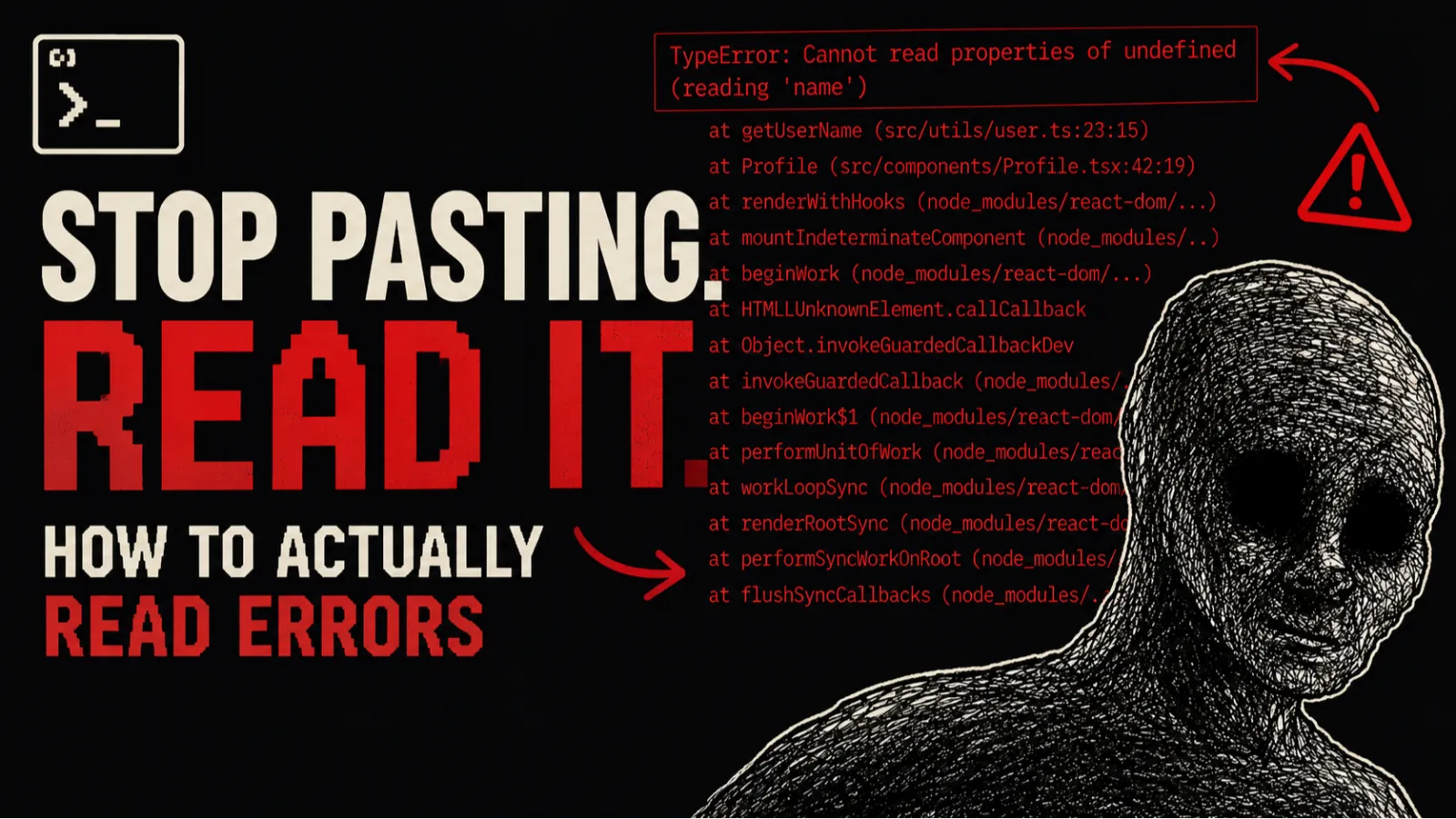
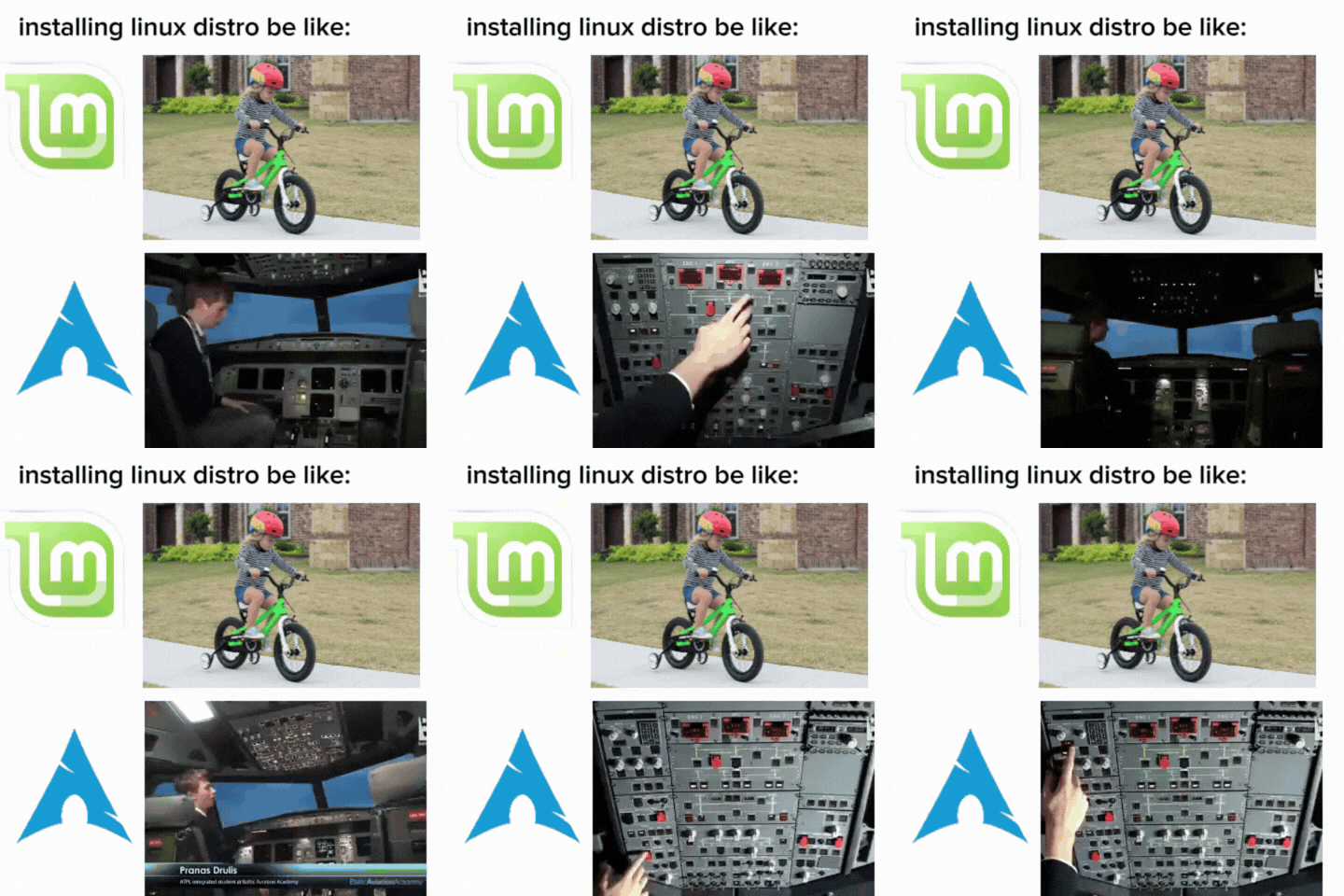
Ubuntu is Linux with training wheels, and I do not mean that as an insult. Training wheels are how you learn to balance. I used Ubuntu for a solid stretch before I got comfortable enough to want something different. It gave me the terminal habits, the package manager muscle memory, the instinct to actually read error messages instead of ignoring them.
The first time you open a terminal on Ubuntu and run an apt install and something just... appears and works, it feels a little magical. Like you said a word and the computer listened. That feeling never really goes away.
Kali is not what you think it is
I ran Kali next and I will be honest, the reason was not entirely serious. I was curious, it looked cool, and I had just watched too many YouTube videos with guys in dark rooms running terminal commands at high speed.
Kali taught me something important though: a specialized tool used for the wrong job is just friction. Kali is built for penetration testing. It ships with a few hundred security tools pre-installed. If that is what you need, it is excellent. If you are just trying to use it as a daily driver, you are constantly working around things that were never designed for normal use. It is not a flex, it is just the wrong tool.
Also: running Kali does not make you a hacker. I say this having learned it the hard way.
Fedora and Debian are the boring compliment
Fedora is what you run when you want things to actually work but you also want them to be relatively current. Red Hat backs it, which means the corporate polish is there, the documentation is decent, and dnf (their package manager) is genuinely good. I used Fedora for development for a while and had almost no complaints.
Debian is the other direction: ultra stable, slower-moving, battle-tested for decades. If Ubuntu is the car you drive every day, Debian is the engine Ubuntu's car is built on. A lot of servers run Debian. It is not exciting but it is dependable in a way that most software never is.
Boring and dependable is underrated. Boring and dependable is what runs the internet.
Then I installed Arch

Arch Linux is a different category of thing.
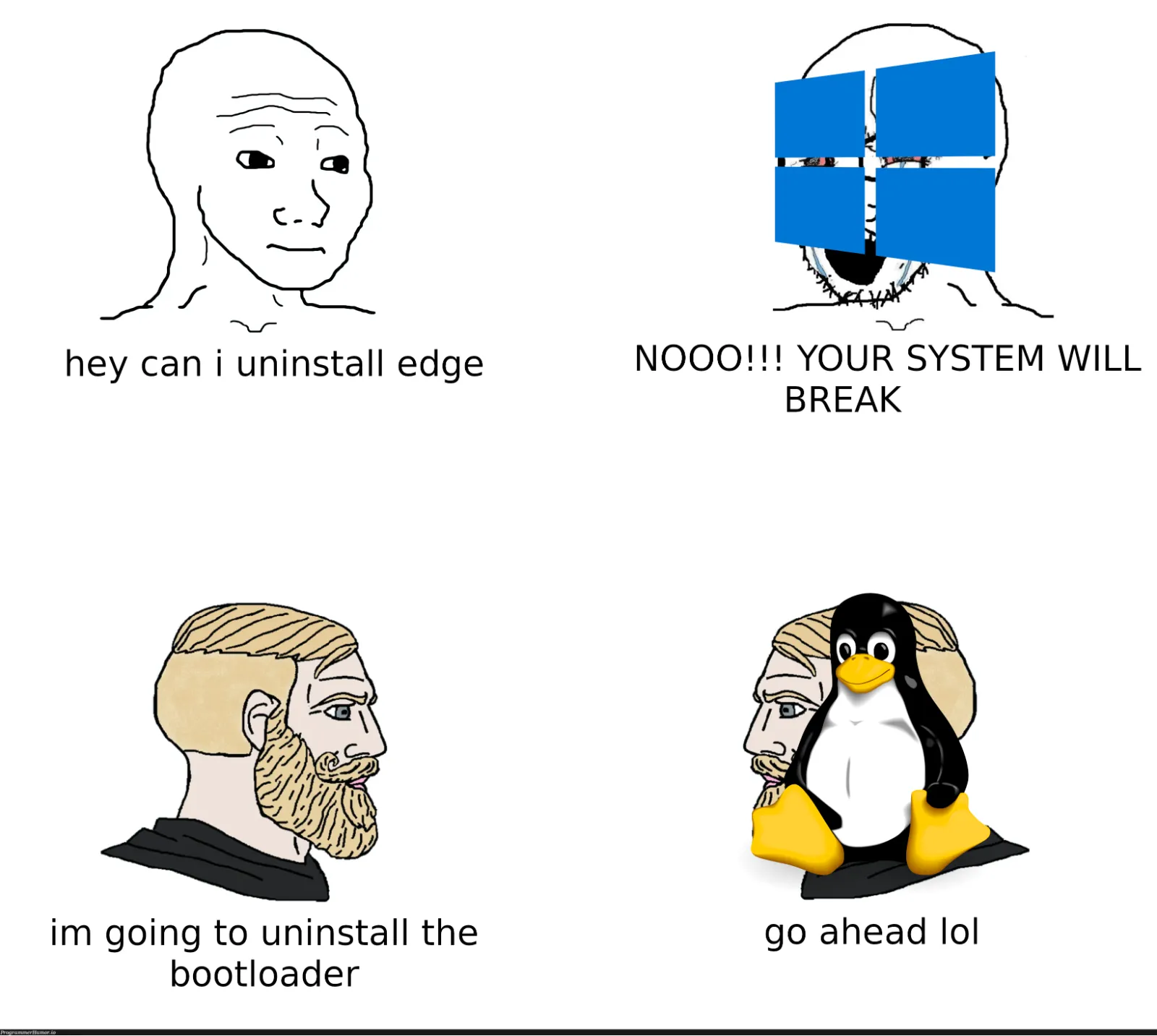
You install Arch by doing everything yourself. There is no graphical installer holding your hand. You boot into a command line, you partition the disk yourself, you set up the filesystem, you install the base system, you configure the bootloader, you add a user, you set up networking. You decide what goes on the machine, because nothing is there by default. Not even a text editor.
The first time I did this it took me the better part of a day. Not because it is technically complex. Because it forces you to understand every step, and understanding every step takes time when you have been taking the steps for granted.
But when it booted and I was sitting in front of a system I had built from scratch, piece by piece, I knew exactly what was on it and why. That feeling is hard to describe. It is the difference between living in a house someone else built and building the house yourself. You know where every pipe goes.
When Arch goes wrong (and it will)
Here is the other side of it.
Arch is a rolling release. That means you always have the latest packages, which is great, right up until you run pacman -Syu one Tuesday afternoon and something in the update chain breaks your display driver and you are staring at a black screen.
I have had my bootloader configuration get wiped. I have had a kernel update break my GPU. I have had a bad GRUB setup leave me unable to boot entirely. I have misconfigured my pacman mirrors and spent an hour confused about why nothing would install. I once accidentally removed a package that something else silently depended on, and the fallout took me the rest of the evening to untangle.
Every single one of those disasters taught me something I would not have learned any other way.
You do not really understand your system until you have broken it and put it back together with your bare hands.
The thing is, when something breaks on Arch, the Arch Wiki almost always has the answer. That wiki is genuinely one of the best pieces of technical documentation on the internet. I have used it to fix Debian problems, Ubuntu problems, even things that had nothing to do with Arch at all. It is that thorough.
Desktop environments: this is where it gets fun
On Linux, the desktop you see is not baked into the OS. It is a separate piece of software you install on top. This sounds like an annoying detail and it is also one of the best things about the platform.
GNOME is clean and simple. It gets out of your way and things mostly just work. KDE Plasma is the other direction: you can configure almost anything, which is powerful and also a rabbit hole if you are the type of person who cannot leave settings alone.
Then there is Hyprland.
Hyprland is a tiling window manager with animations that look genuinely beautiful. Windows slide and snap into place. Everything tiles automatically so you never manually resize a window. Your whole workflow ends up keyboard-driven. It looks like something out of a sci-fi film and it runs on a decade-old laptop without breaking a sweat.
Setting it up is an adventure. You are writing config files by hand, figuring out which compositor does what, setting keybindings, deciding how you want your status bar to look. It takes time. And when it comes together, you have a desktop that is entirely yours, that nobody else has, because you built it.
I have spent longer than I should admit making my terminal look exactly right. Zero regrets.
Why Linux is not just an OS
What I did not expect when I started down this path is how much Linux changes the way you think about computers in general.
On other systems there is a layer of abstraction between you and what is actually happening. Things just work, which is convenient, and also means you never really understand why they work. Linux removes that layer. Sometimes aggressively.
You start caring about what is in your PATH. You start understanding what a process actually is. You learn what mount points are because you had to set one up. You learn how permissions work because you chmod'd the wrong thing and locked yourself out. You learn what a daemon is. You learn why systemd exists and why some people have very strong feelings about it.
None of this is mandatory to be a developer. You can write great software without ever touching a terminal on Linux. But the developers I know who are the most comfortable in their environment, the ones who are never surprised when something goes wrong at 3am in production, tend to be the ones who spent time in the trenches with an OS that refused to hide things from them.
Linux teaches you by making you deal with the consequences of every decision, which is annoying and also the best teacher I have ever had.
Should you try it
If you are a developer and you have never run Linux, I would say yes, try it. Start with Ubuntu or Fedora. Use it for a month. Let yourself be annoyed. Google the error messages. Read the man pages, or at least pretend to.
If you are curious about the whole experience, not just the using-it part, then at some point install Arch. Do it on a spare machine or a VM the first time. Follow the wiki, do not copy-paste commands you do not understand, and take your time.
And if you make it to Hyprland and your terminal looks like something from a movie, congratulations. You have gone too far and there is no coming back.
It is worth it.