"npm install" is a safety hazard
Let's just say the quiet part out loud: most of us are lazy. And honestly? That's fine. Laziness is the mother of all developer shortcuts. Why write a hundred lines of code when someone else already packaged it into a neat little library you can pull in with a single command?
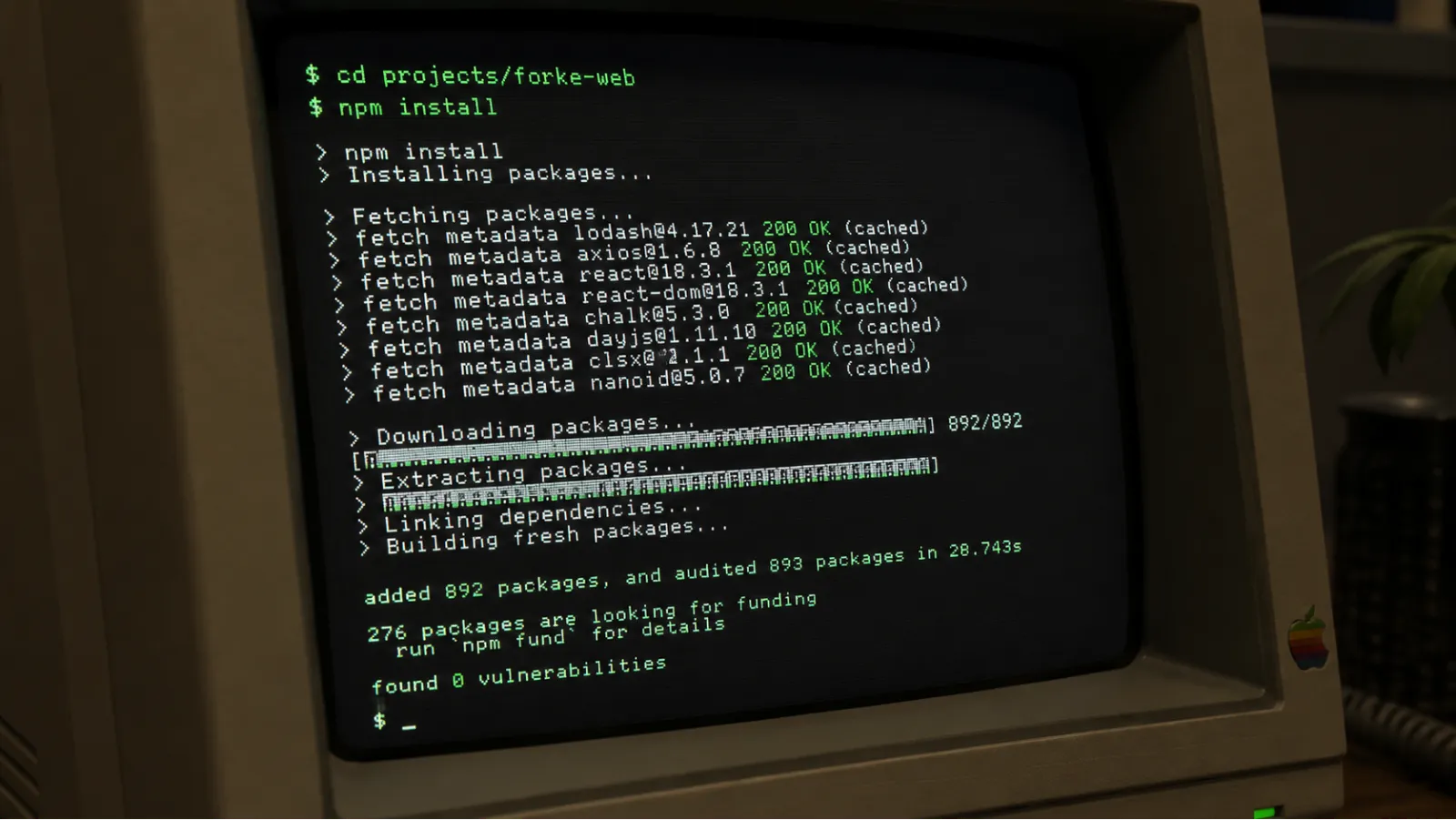
So you run npm install. It downloads. Your terminal spits out some warnings you immediately ignore. And just like that, your feature works. You feel like a wizard.
But there is a dark side to this speedrun. When you type npm install, you are not just adding a tool to your belt. You are inviting a couple thousand strangers to run arbitrary code on your machine, and eventually, on your users' machines.
The black hole of node_modules
We have all faced the same enemy. The folder that is heavier than a black hole. The directory that takes three minutes to delete.

But the real issue isn't the disk space. It is the dependency chain.
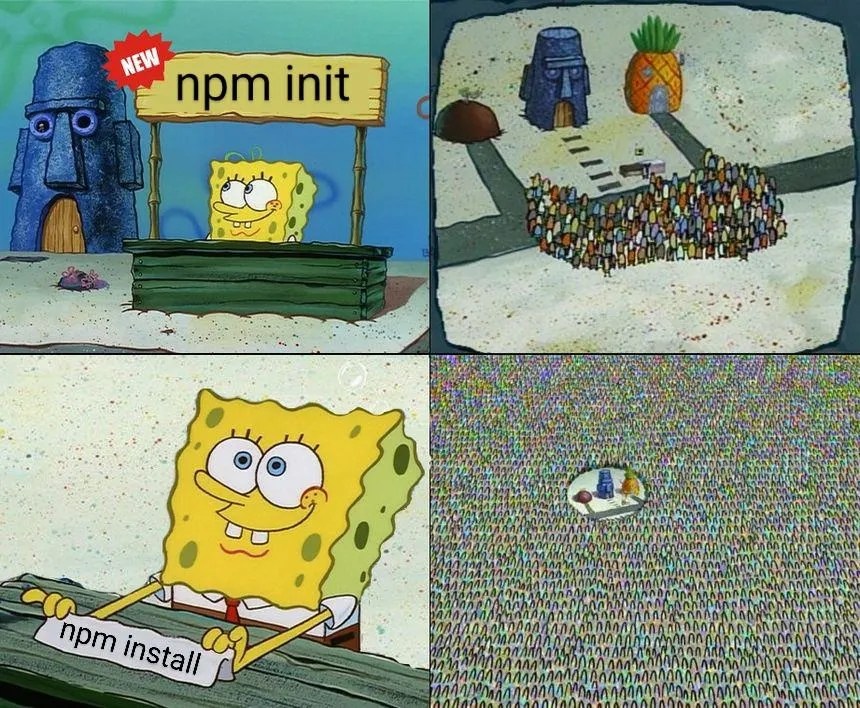
When you install a package to solve a simple problem (say, checking if a number is even), that package depends on three other packages. Each of those depends on five others. Before you know it, a single line in your package.json has pulled in half the internet.
This is how you end up with 40,000 files in node_modules just to render a button. You don't know who wrote those files. You don't know what they do. And you definitely don't know if they are safe.
The security minefield
Let's talk about supply chain attacks. This is not some theoretical hacker movie stuff. It happens all the time.
A developer who maintains a tiny helper library gets their account compromised. Or maybe they just get tired of maintaining it and sell the repository to someone who offers them a few hundred dollars.
The new owner pushes an update. It looks exactly the same, but it has a tiny script that looks for environment variables containing AWS keys or database passwords. The next time you build your app, those keys are sent to a server in a country you can't point to on a map.
When you run npm install, you are betting your security on the password strength of a developer you have never met.
The speed penalty
Every extra package you add is more JavaScript that needs to be downloaded, parsed, and executed.
You build a beautiful landing page, but because you installed three different chart libraries and a massive utility belt package just to use one function, the bundle size is huge. A user on a budget phone with a bad network connection clicks your link and has to wait six seconds for the page to load.
They leave. You lost a user because you did not want to write a basic helper function yourself.
How to keep your project clean (and safe)
None of this means you should go back to writing vanilla WebGL by hand. Frameworks and libraries are great. But you have to be the one in control:
Use the platform. Before you install a package, ask yourself: can I write this in ten lines of vanilla JavaScript? More often than you think, the answer is yes.
Audit your dependencies. Run
npm pruneandnpm deduperegularly. Look at yourpackage.lockfile and see what is actually in there.Use bundlephobia. Check how much a package adds to your bundle size before you install it. If a simple helper adds 50KB to your frontend bundle, look for an alternative.
Lock down your versions. Use exact versions or stick to major release locks so a random package update doesn't break your build at 3am.
Where Forke fits
This is exactly why we care about clean implementations. When you claim a bounty on Forke, you are not just trying to make the tests pass by any means necessary.
Our reviewers look at your code. If you try to solve a simple task by installing five random NPM packages we have never heard of, your pull request is going to get flagged. We want developers who know how to solve problems with clean, minimal, and secure code.
It is easy to solve a problem by throwing code at it. The hard part is solving it with as little code as possible.
Keep your bundle small. Keep your dependencies clean. Stop installing the internet.